An AI-assisted IT service desk:
the fix is ready first
A helpdesk where the cause, the plan, the fix and the reply are prepared before the engineer opens the ticket.
An AI-assisted IT service desk is a helpdesk where software does the reading and the preparation and a person makes the decisions. On this desk, each ticket is investigated with read-only checks, and the engineer finds the cause, a plan, one proposed fix and a drafted reply waiting. Nothing runs and nothing is sent until a person approves it.
Most of the time on an IT ticket goes on finding out what is wrong: checking the account, the device, the sign-in history and what happened last time. That is reading, and reading is what AI is good at.
This desk does the investigation before a person is involved, so the engineer's job becomes checking the evidence and approving the fix.
Who built it. This is the platform Record Digital, trading as Record Group, built and runs its own IT support company on. P30X works alongside Record Group. Every screen below is the real system, filled with demo data.
One desk, with the legwork already done
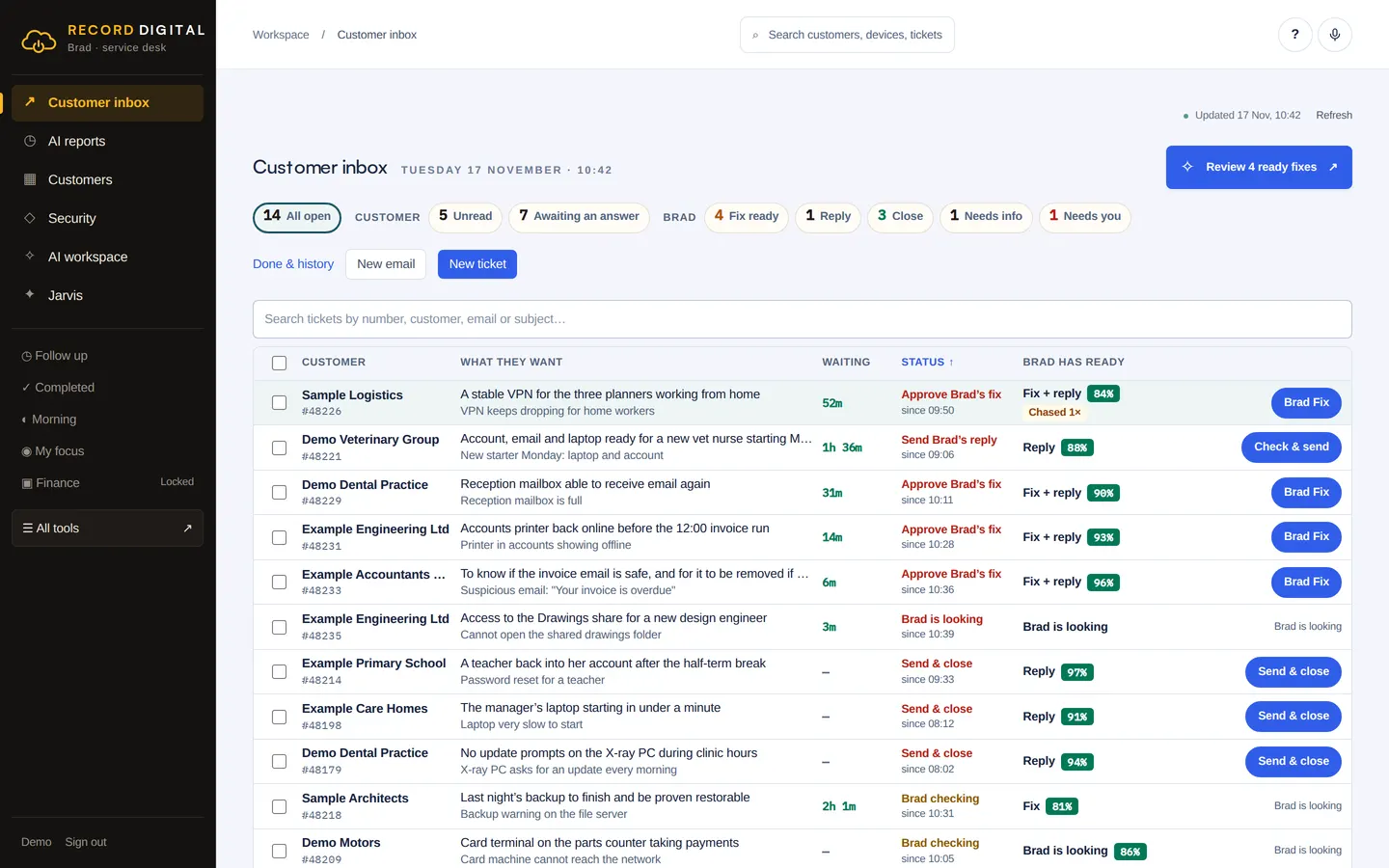
- One desk for everything. Email, phone calls, the customer portal and monitoring alerts all land in one list: what the customer wants, how long they have waited and what is ready.
- AI does the legwork. Read-only checks across Microsoft 365, devices, phones, DNS and the ticket history produce a diagnosis, a numbered plan, the evidence and one proposed fix.
- A person stays in charge. Each approval is single-use, tied to that exact action and expires after four hours.
- Checked, not assumed. A command that has finished counts as awaiting verification, not fixed. It is read back a few minutes later, and again later where the effect takes time.
- Customers kept informed. The reply is drafted from what actually happened. A person always sends it.
- Cyber reports with evidence behind them. Evidence is collected on a schedule and the PDFs are built overnight. Out-of-date evidence blocks a report from going out.
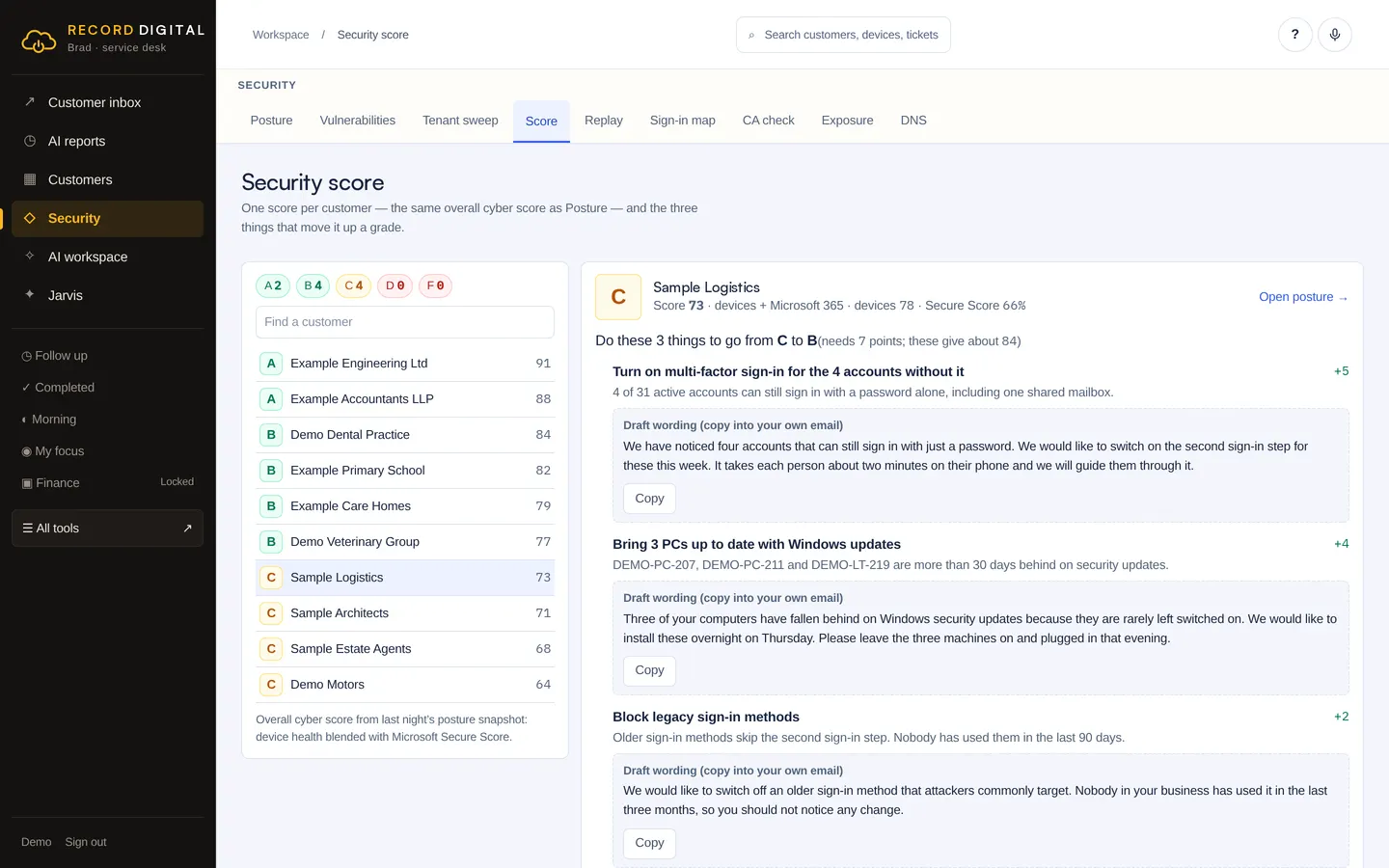
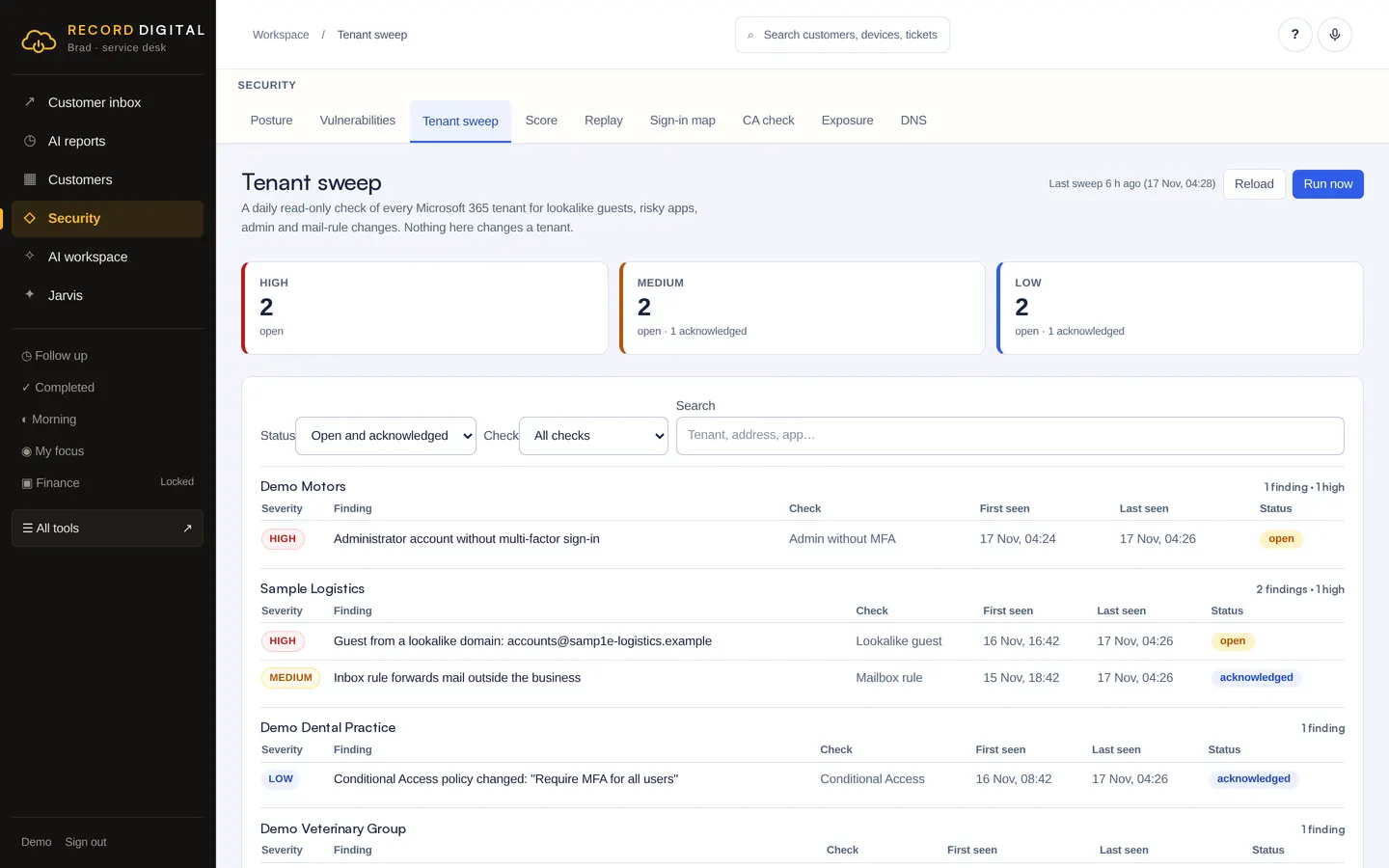
- Microsoft 365 across every customer. A daily read-only sweep of each tenant for lookalike guests, risky apps and admin changes, plus one security score per customer and the three things that would raise it.
- Monitoring, patching and backups. Devices check in about every minute. Critical alerts open a ticket and close themselves on recovery.
The life of a ticket.
The time saved is in the middle: the investigation and the write-up are done before a person is involved, and the engineer's job becomes checking and approving.
Automatic the software does it AI AI reads or drafts A person decides a person approves
A ticket arrives Automatic
By email (the support mailbox is checked every five minutes), by phone, through the customer portal, from a monitoring alert, or raised by one of the team.
Brad investigates AI
Read-only checks across Microsoft 365, the customer's devices, phones, DNS and past tickets. The investigation is capped in steps and time so it cannot run away.
The fix is prepared AI
A diagnosis in plain English, a numbered plan, the evidence, one proposed fix and a draft reply to the customer.
An engineer approves A person decides
Nothing runs until a signed-in engineer presses Approve. The approval covers that one action only.
The fix is applied Automatic
On the device through the monitoring agent, or in Microsoft 365.
It is checked Automatic
The change is read back a few minutes later, and again later where the effect takes time. Until then the ticket says awaiting verification, not fixed.
The customer is told A person decides
The reply is drafted from the actual result. A person reads it and sends it.
Closed, then checked once more Automatic
Brad proposes closing and a person decides. A quality check runs half an hour after the ticket closes.
The actual system, with demo data
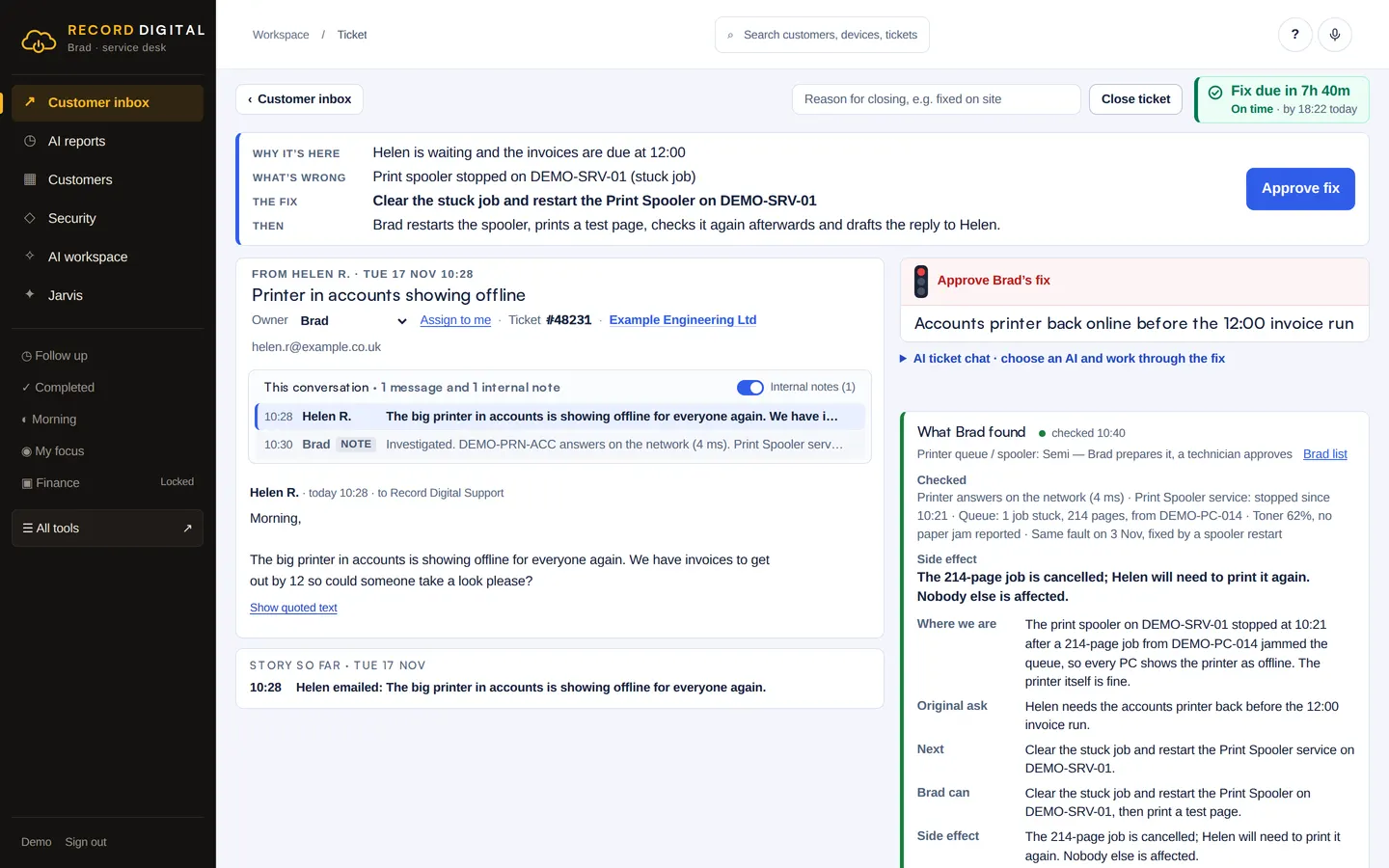
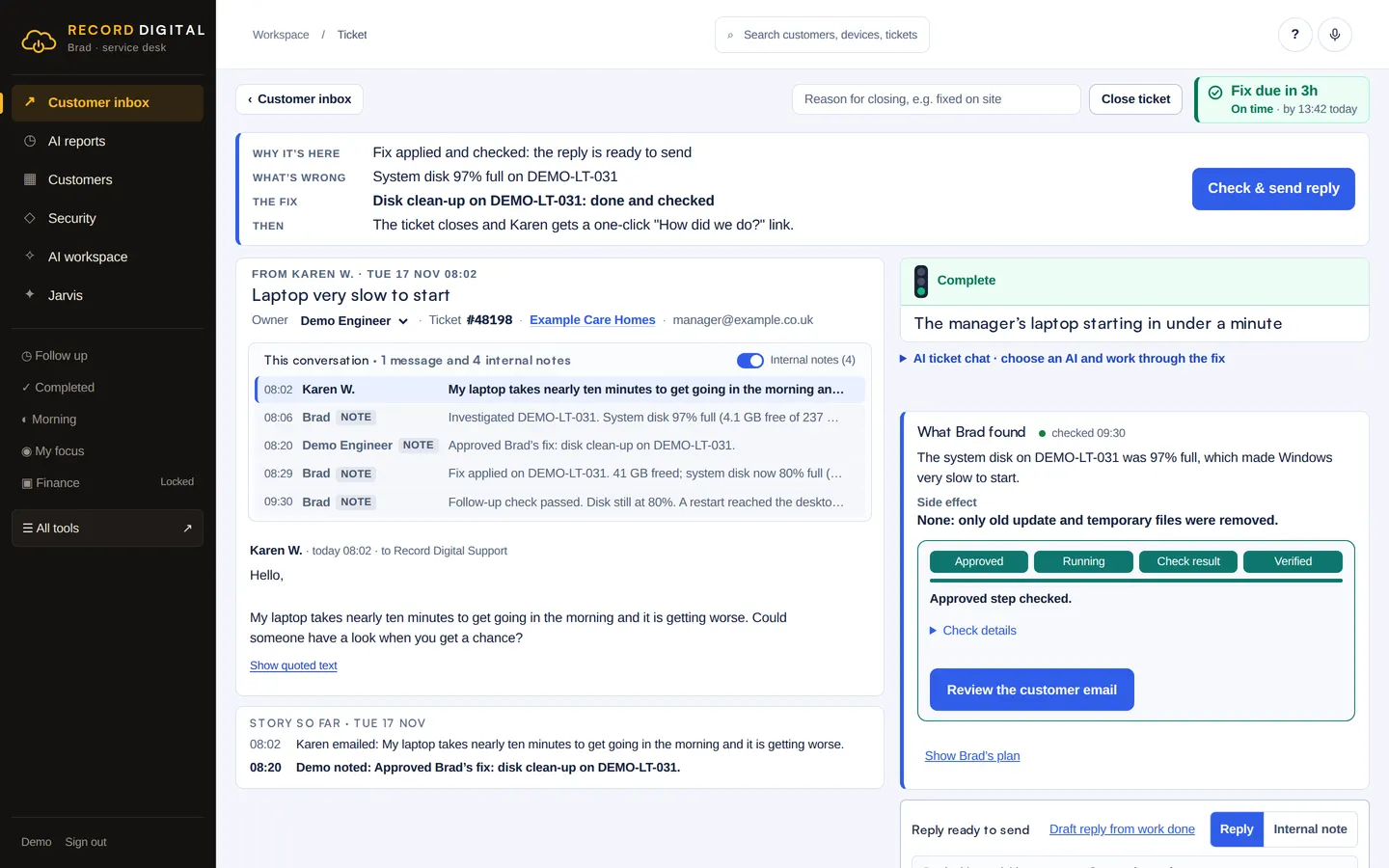
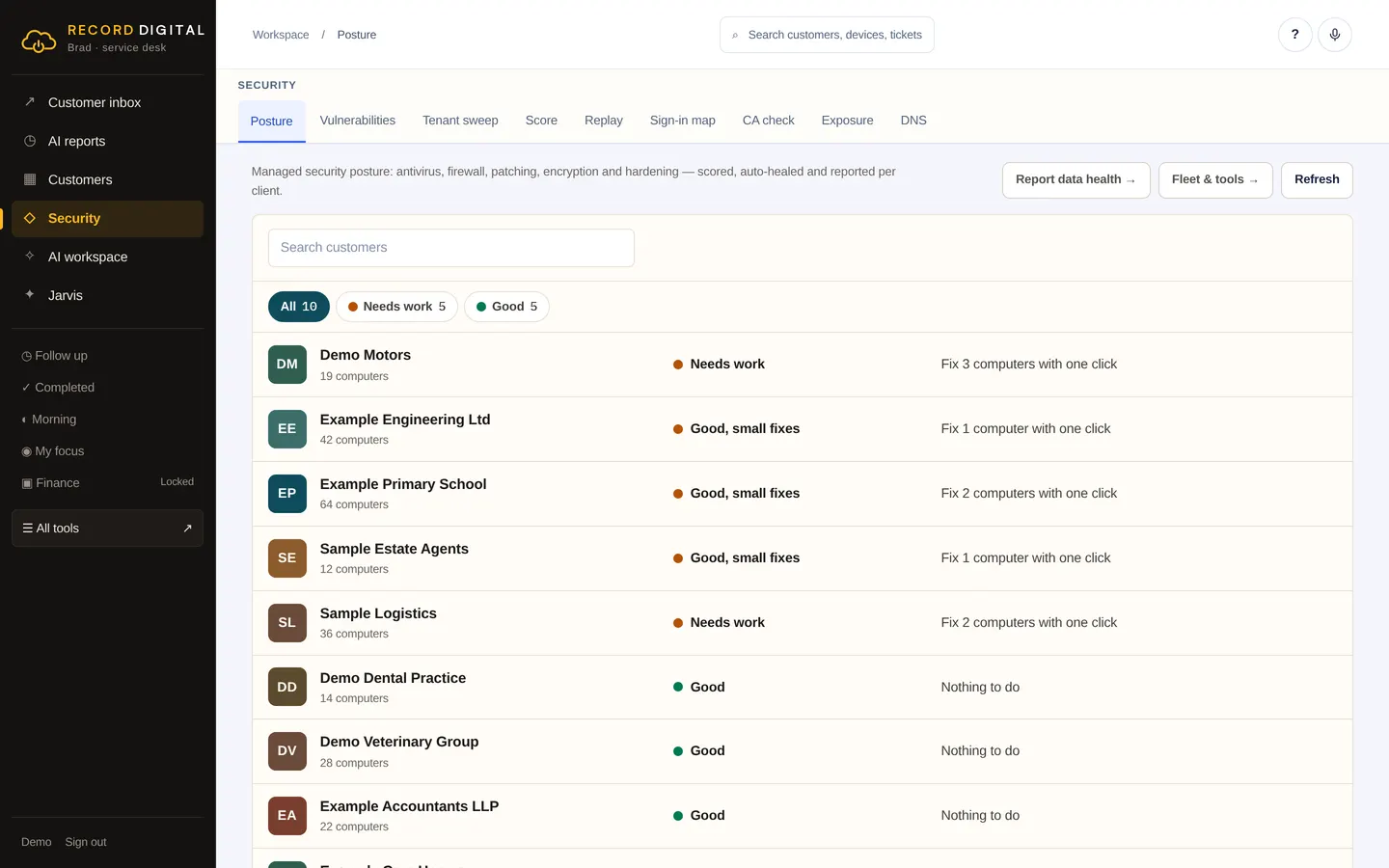
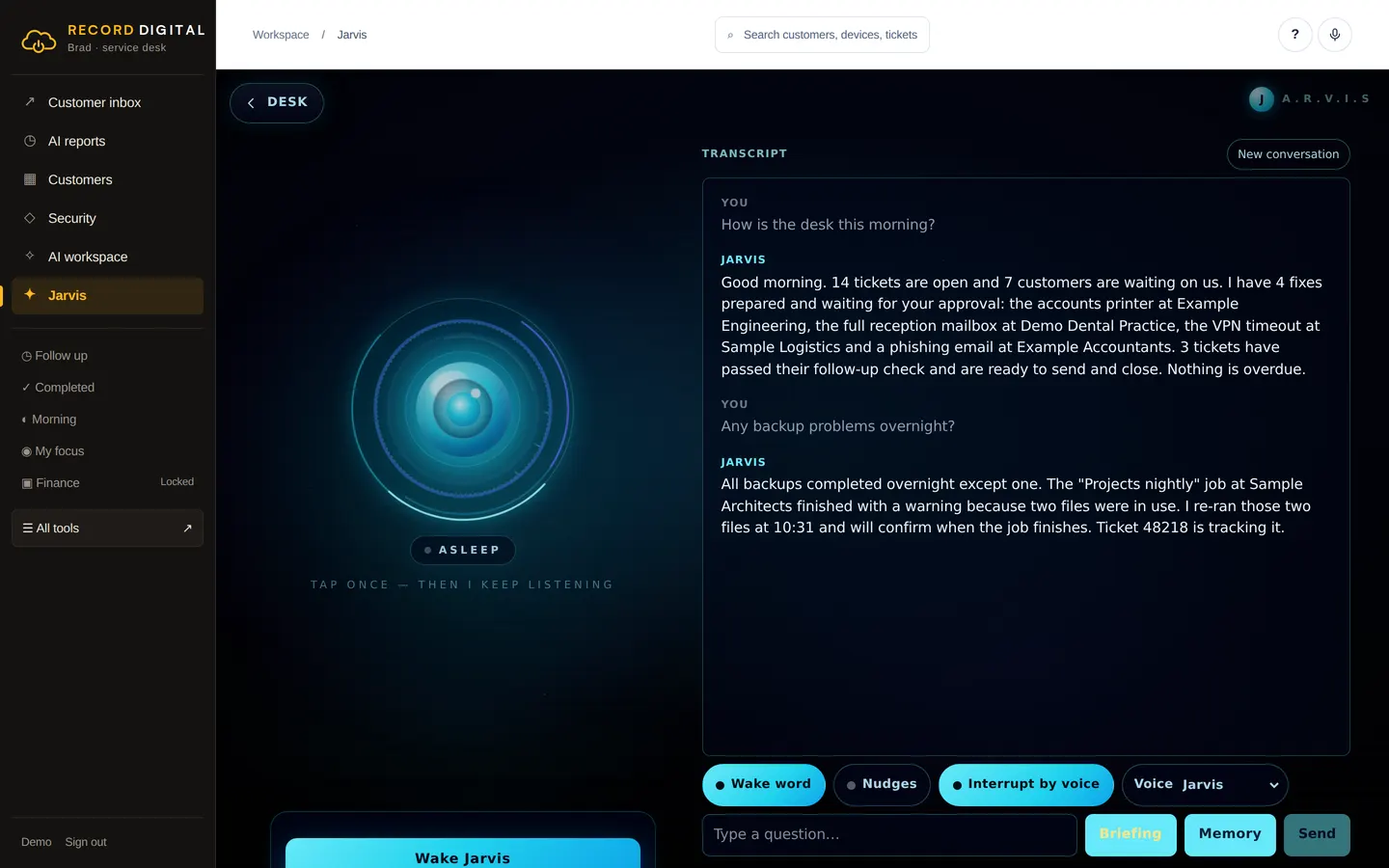
These are the real screens, filled with invented demo data so that no client, person or figure is shown.
Frequently Asked
What is an AI-assisted IT service desk?
It is a helpdesk where software does the reading and the preparation, and a person makes the decisions. The cause of a problem and a proposed fix are worked out before the engineer opens the ticket.
Does the AI fix problems on its own?
No. Every fix needs a signed-in engineer to approve it. Each approval covers that one action only.
Does the AI email customers?
No. The reply is drafted from what actually happened, and a person reads it and sends it.
How does it know a fix worked?
A command that has finished is treated as awaiting verification, not fixed. The change is read back a few minutes later, and again later where the effect takes time.
What does it check in Microsoft 365?
A daily read-only sweep of each tenant for lookalike guests, risky apps and admin changes, plus one security score per customer and the three things that would raise it.
Where do tickets come from?
Email, phone calls, the customer portal, monitoring alerts and the team all land in one list.
A service desk for your support team
Tell us how the job is done today. Email [email protected] or call 01299 333446.
Start a Conversation